Picture Power Mindful Lens Series
Using AI with Photography in the Classroom

Photography already teaches observation, storytelling, and critical thinking. AI doesn’t replace those skills—it can amplify them when used thoughtfully.
This post is for teachers at any grade level or subject area who already use (or want to use) photography in their classroom and are wondering:
How can AI help without taking the thinking away from students?
Below is a simple checklist to guide responsible, meaningful use of AI alongside photography, followed by one classroom-ready lesson you can use immediately.
The Core Principle (Start Here)
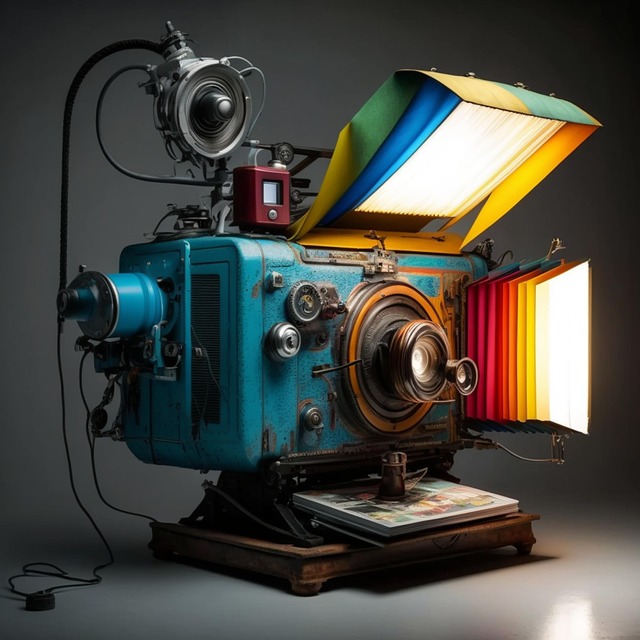
Photography = seeing and deciding.
AI = assisting, organizing, reflecting, and extending.
If AI is doing the seeing or the deciding, it’s probably being used too early or too heavily.
teacher Checklist: AI + Photography Done Right
Use this checklist to evaluate whether AI is supporting learning rather than replacing it.
✅ 1. Students Create the Photographs First
- Students take their own photos (phone, tablet, or camera).
- No AI-generated images are used in place of student work.
- The photograph exists before AI enters the process.
Why it matters: Photography trains attention. AI should not shortcut that.
✅ 2. AI Is Used After Observation, Not Before
- Students first describe what they see in their own words.
- AI is introduced only after initial reflection or critique.
- AI responses are compared to student observations—not accepted automatically.
Why it matters: This preserves critical thinking and visual literacy.
✅ 3. AI Supports Language, Not Replaces Voice
- AI helps students expand captions, artist statements, or reflections.
- Students revise AI output to sound like themselves.
- Final text is student-edited and student-approved.
Why it matters: AI is a drafting partner, not an author.
✅ 4. AI Is Used Transparently
- Students are told when and how AI is being used.
- Prompts are discussed openly.
- Teachers model ethical use and attribution when appropriate.
Why it matters: This builds digital literacy, not dependence.
✅ 5. The Assignment Still Has No “Correct” Answer
- The photograph can be interpreted in multiple ways.
- AI feedback is one perspective—not the authority.
- Discussion and disagreement are encouraged.
Why it matters: Art education thrives on interpretation, not certainty.
One Ready-to-Use Lesson
Lesson Objective
Students will:
- Practice close visual observation through photography
- Develop original written descriptions and interpretations
- Use AI as a reflective tool to compare perspectives
- Strengthen critical thinking and visual literacy skills
Materials Needed:
- Camera, tablet, or smartphone (one per student or group)
- Access to an AI text-based tool
- Notebook or digital document for writing
Step 1: Create the Photograph
Ask students to take a photograph that captures one of the following:
- A daily routine
- An object that tells a story
- A moment of change (light, motion, emotion, or interaction)
Students should avoid filters and editing at this stage. The goal is to focus on observation and intention, not enhancement.
Step 2: Student Observation (No AI)
Before introducing AI, students respond in writing to the following prompts:
- What is happening in this photograph?
- What details did you notice first?
- What details might someone else overlook?
Responses may be written as bullet points or a short paragraph.
Step 3: AI Reflection
Students then describe their photograph to an AI tool or upload the image (if supported) and use this prompt:
“Describe what is happening in this photograph and what it might suggest.”
Students should save or copy the AI’s response
Step 4: Comparison and Analysis
Students compare their original observations with the AI response and answer:
- What did the AI notice that I did not?
- What did I notice that the AI did not?
- Do I agree with the AI’s interpretation? Why or why not?
Encourage discussion and differing viewpoints.
Step 5: Final Caption or Reflection
Students write a final caption or short reflection that:
- Incorporates their original observations
- Intentionally accepts or rejects AI insights
- Clearly reflects the student’s own voice and interpretation
The final writing should demonstrate thoughtful decision-making rather than agreement with the AI.
Assessment Suggestions
Students may be assessed on:
- Depth of observation
- Quality of written reflection
- Ability to evaluate and question AI output
final thoughts
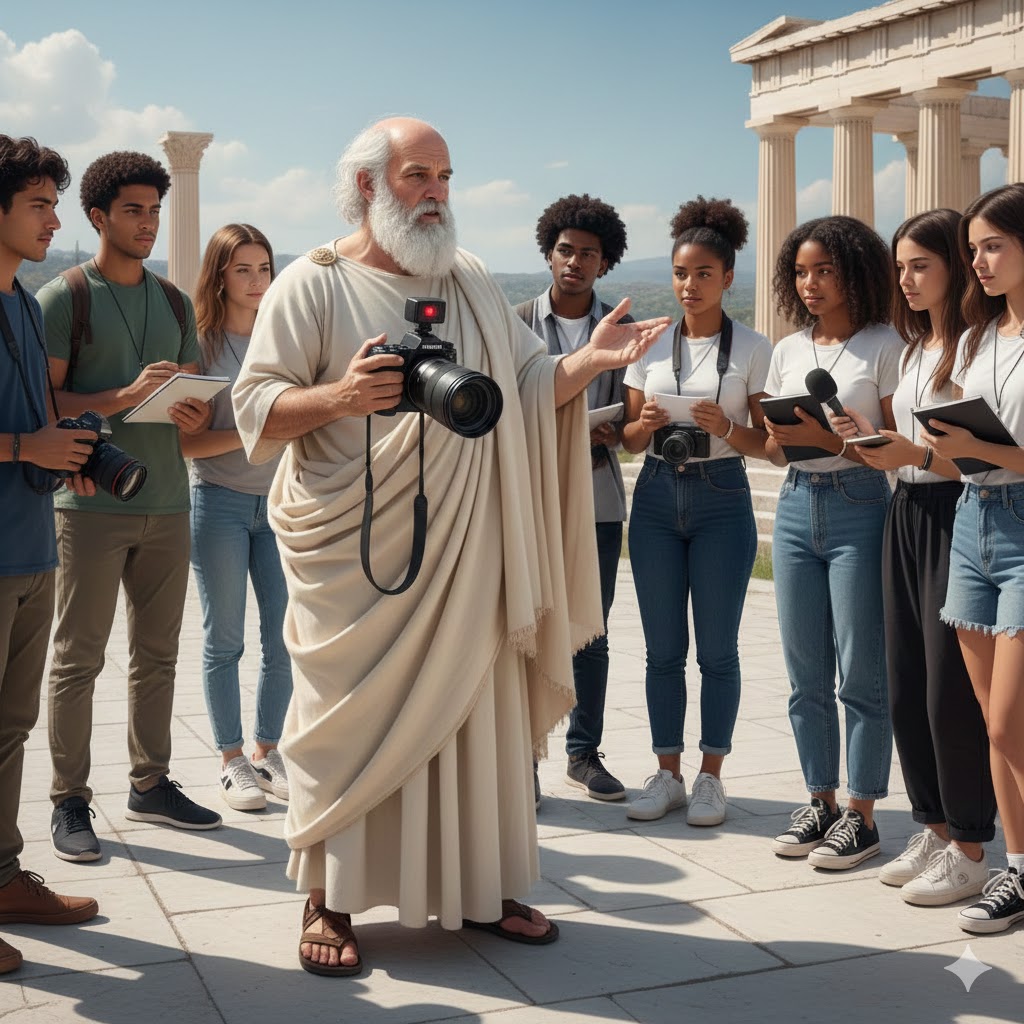
When used with intention, AI does not compete with photography—it supports it. A photograph is made by a camera, rooted in observation, choice, and a shared physical world that students actually experience. An image created by AI is something else entirely: an image, not a photograph.
Understanding this distinction is essential. Teaching students the difference helps them learn how meaning is created, how evidence works, and why perspective matters.
Whether the subject is art, science, history, media literacy, or storytelling, this clarity strengthens learning. By keeping photography grounded in the real world and using AI as a reflective tool rather than a replacement, teachers equip students with skills that extend far beyond the classroom.
Want More?
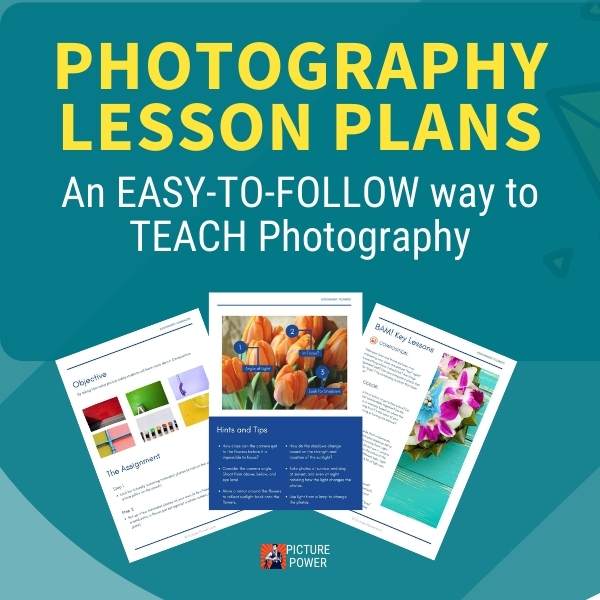
The Photography Lesson Plans available through Picture Power are designed to help you implement creative, mindful photography projects with ease. With options for all grade levels and cameras, these lessons can help you bring calm, focus, and creativity to any classroom.
Photography TEACHING & ACTIVITIES KIT (Printables)

Jump right into teaching photography with our exclusive Photography Teaching & Activities Kit
Includes:
- 10 Photography Lesson Plans
- Teacher's Guide
- Student Workbook
- 3 Photography Study Guides
- 30-Day Photography Challenge
- 52 Cut-Out Photo Flash Cards
- Photo Scavenger Hunt
More from picture power


recommended for you
7 Low Light Digital Photography Tips
The test of a good photographer is not how well they shoot in good light, but how they handle a low-light situation. Here are some basic tips on shooting low light digital photography.
Engagement Photo Ideas For Wedding Photographers And Couples
Whether you use props, matching outfits or a unique setting, get inspired with these engagement photo ideas.
Fun Photography Ideas | Tips for photographing toys and memorabilia
These fun photography ideas can turn a boring day into a day of adventure. Give your toys the attention they deserve and learn how to think like a cinematographer.



A COMPLETE PHOTOGRAPHY TEACHING KIT
10 fun, ready-to-teach lesson plans & more!



Search
Picture Power